1. Download ‘Acuity Scheduling Client’ Application

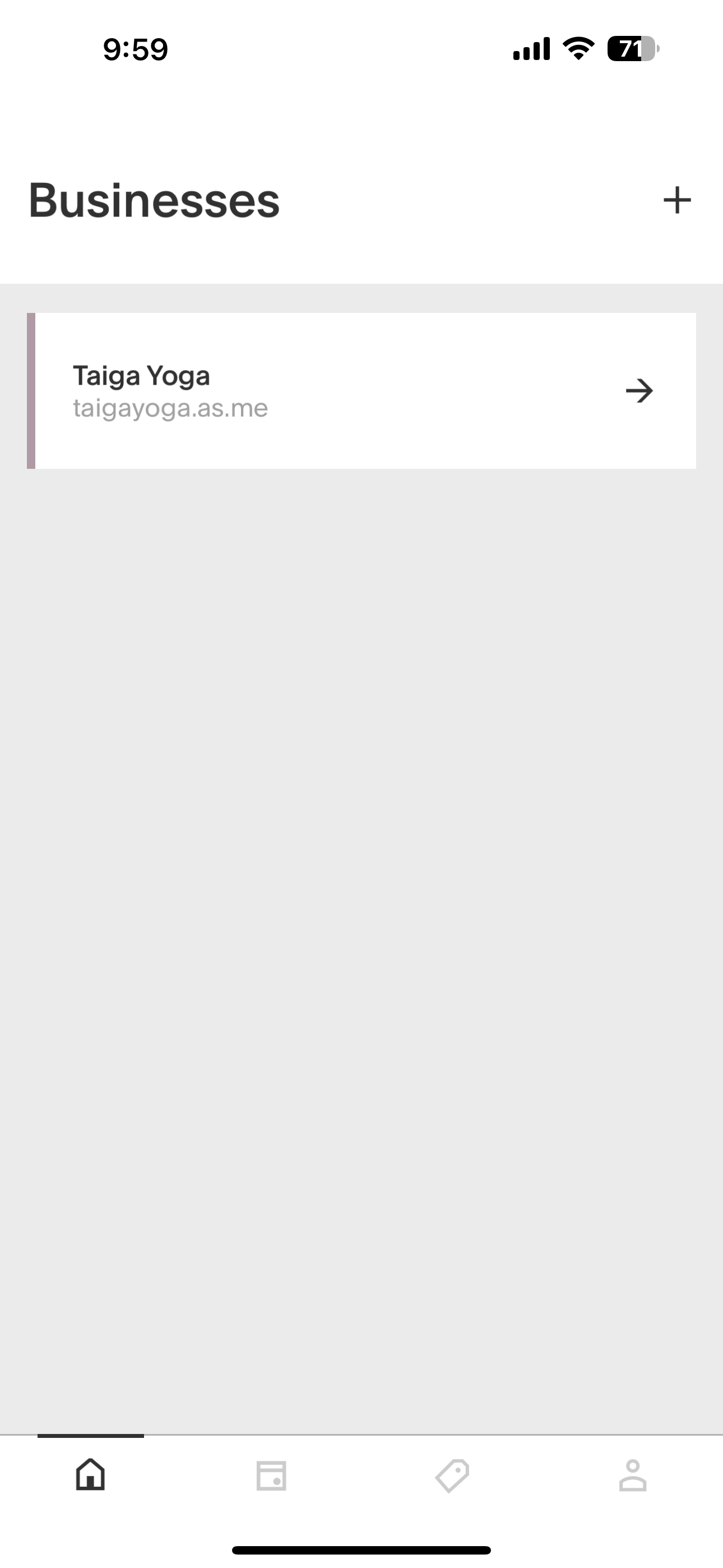
2. Open up the application, and click the plus sign in the top right

3. Type ‘taigayoga.as.me’ into the url field and click add business

4. If you've already created an account as shown in the next section, you can log in.

Now you can choose which class you would like to book

Add Taiga Yoga to your phone

Creating an Account

Please note, this cannot be done until after you’ve booked at least one appointment. It will allow you to create an account at the end of booking an appointment OR you need the link from the confirmation email to create an account.

Screenshot of a webpage with three buttons for appointment management: 'Change/Cancel Appointment,' 'Add to iCal/Outlook Calendar,' and 'Add to Google Calendar.'
Online appointment scheduling page for Taiga Yoga, showing a canceled appointment for a restorative virtual drop-in class on July 7, 2024, at 4:00 pm, with options to register or schedule another appointment.
Registration form on a website with fields for username/email, password, confirm password, and a checkbox to agree to terms of service and privacy policy, along with sign-up and cancel buttons.
Online course registration page titled 'Regular Classes' with a 'Returning? Log in' link highlighted in red
Screenshot of a mobile app showing an 'Account' page with options to 'Create Account,' 'Log In,' 'Terms of Service,' and 'Privacy Policy'.

Booking a Class

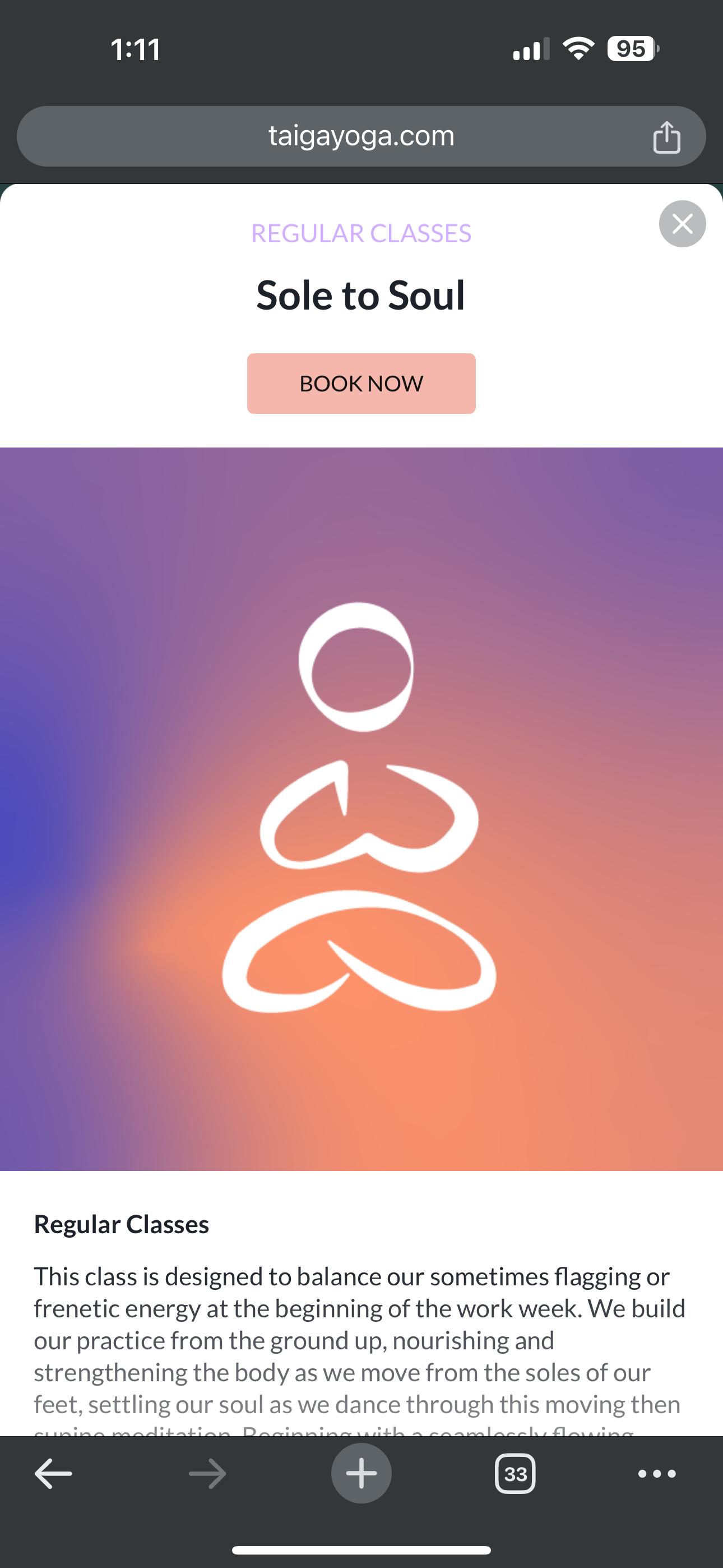
  1. From the website, choose a class on the calendar, then click the “Book Now” button. If there is more than one instructor that teaches the class, it may ask you to choose a teacher - Select “Any Available” and it will bring you to the calendar to choose your day.
Website

App

  1. From the app, choose “Taiga Yoga”, then choose a category (Regular/virtual/etc), and choose a class. If there is more than one instructor that teaches the class, it may ask you to choose a teacher - Select “Any Available” and it will bring you to the calendar to choose your day.

Screen showing a calendar for July 2024, selecting July 29 at 12:10 PM with 29 spots left for an appointment, and an option to add a mat rental for CA$2.00.
Screenshot of a mobile app showing a scheduled yoga appointment with Tao Yoga for Yang Yin on Monday, July 29, 2024, at 12:10 PM, lasting 40 minutes.
Screenshot of an online appointment booking form for Taiga Yoga & Therapy Centre, including sections for agreeing to terms, promotional consent, newsletter subscription, coupon code, and a 'Pay Now' button.
Online appointment booking form for Taiga Yoga & Therapy Centre, including terms, conditions, consent options, promotional email preferences, and a code redemption section.
Mobile payment form for Taiga Yoga showing billing details, credit card information, and a 'Pay & Confirm' button.

Purchasing & Using a Pass

Screenshot of Taiga Yoga website homepage with navigation options including home, about, classes, workshops & series, packages, contact, and learn more, with social media icons at the bottom.
Screenshot of the Taiga Yoga store webpage showing options for monthly subscription packages, pass packages, and gift cards.
Screenshot of a mobile webpage displaying gift card options for Taiga Yoga, including a 10 class punch pass priced at CA$150.00.
Online checkout page with billing information form and a summary of a purchase for a yoga class punch pass.

app

Screenshot of a mobile app displaying a digital punch pass for Taiga Yoga, with details of classes and expiration date.

website (from step 4 of Booking a Class)

Screenshot of a booking form for Taiga Yoga & Therapy Centre, including sections for reading terms, agreeing to terms, consent for photography, promotional email subscription, and redeeming a coupon.
Online appointment booking form for Taiga Yoga & Therapy Centre. Includes options to agree to terms, receive promotional emails, and input a code or email before clicking 'Pay Now'.

Using credits from the old system

Note: If you have not received your credit email, please contact us